Search
Find pages, blocks, and projects across your entire workspace.
Press Cmd+K to open global search. You can find any page, project, or block content across your entire workspace in seconds.
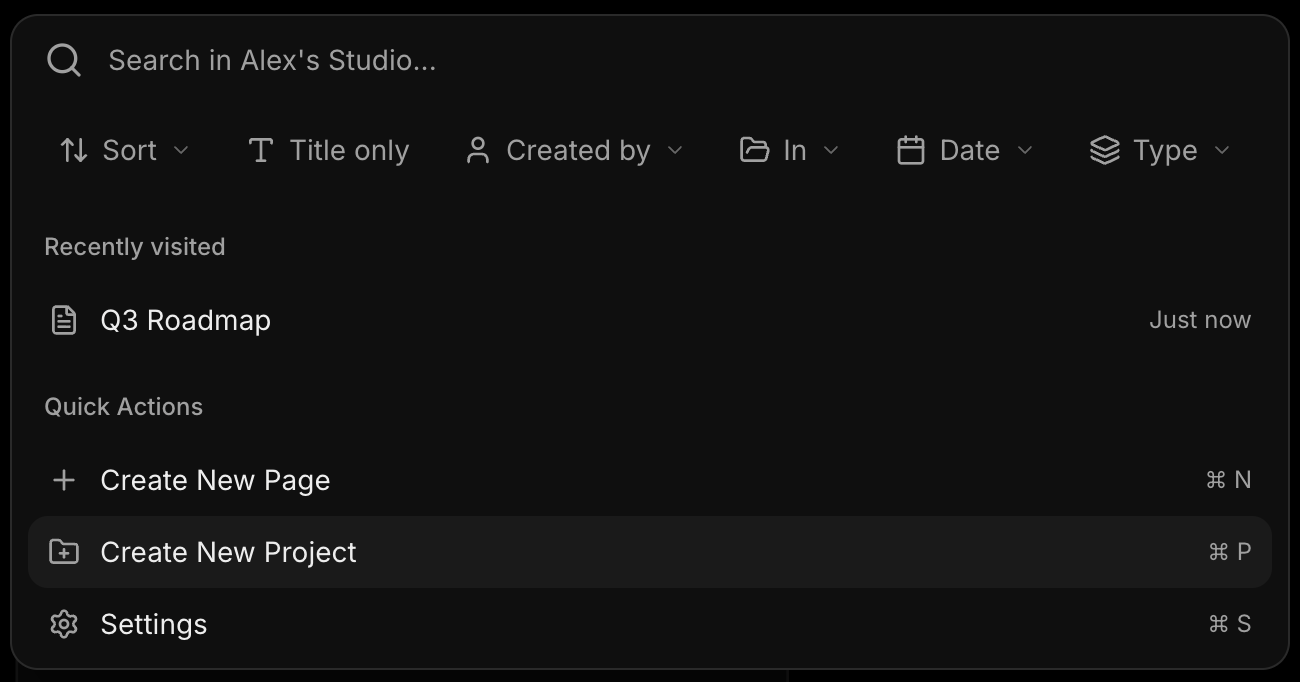
What you can search
Search matches against:
- Page titles — find pages by name
- Block content — search inside notes, todos, links, and AI chats
- Project names — jump to a project directly
Filters
Narrow your results with filters:
- Sort — by best match, recently edited, or recently created
- Block type — filter to notes, todos, links, images, documents, or AI chats
- Creator — show only items created by a specific team member
- Project — scope results to a single project
- Date range — today, last 7 days, last 30 days, or custom range
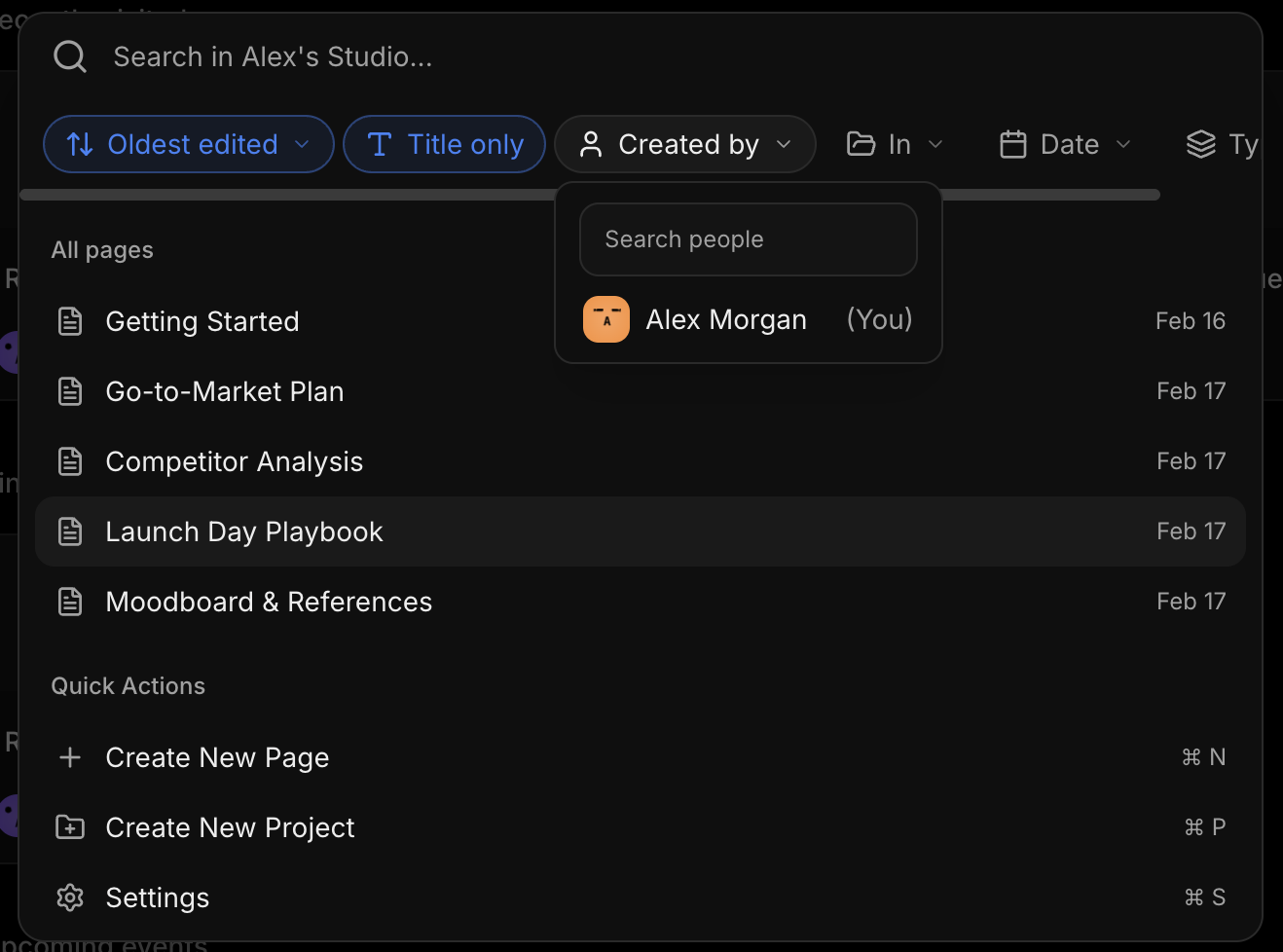
Recent pages
When you open search with an empty query, your recently visited pages appear at the top. This makes it fast to jump back to pages you were just working on.
Navigating results
Use ↑ and ↓ to move between results. Press Enter to open the selected result. Press Escape to close search.
Quick actions
From the search modal you can also create a new page or new project without leaving the search interface. Look for the action buttons at the bottom of the results.